Benefits of Cloud Accounting for Your Business
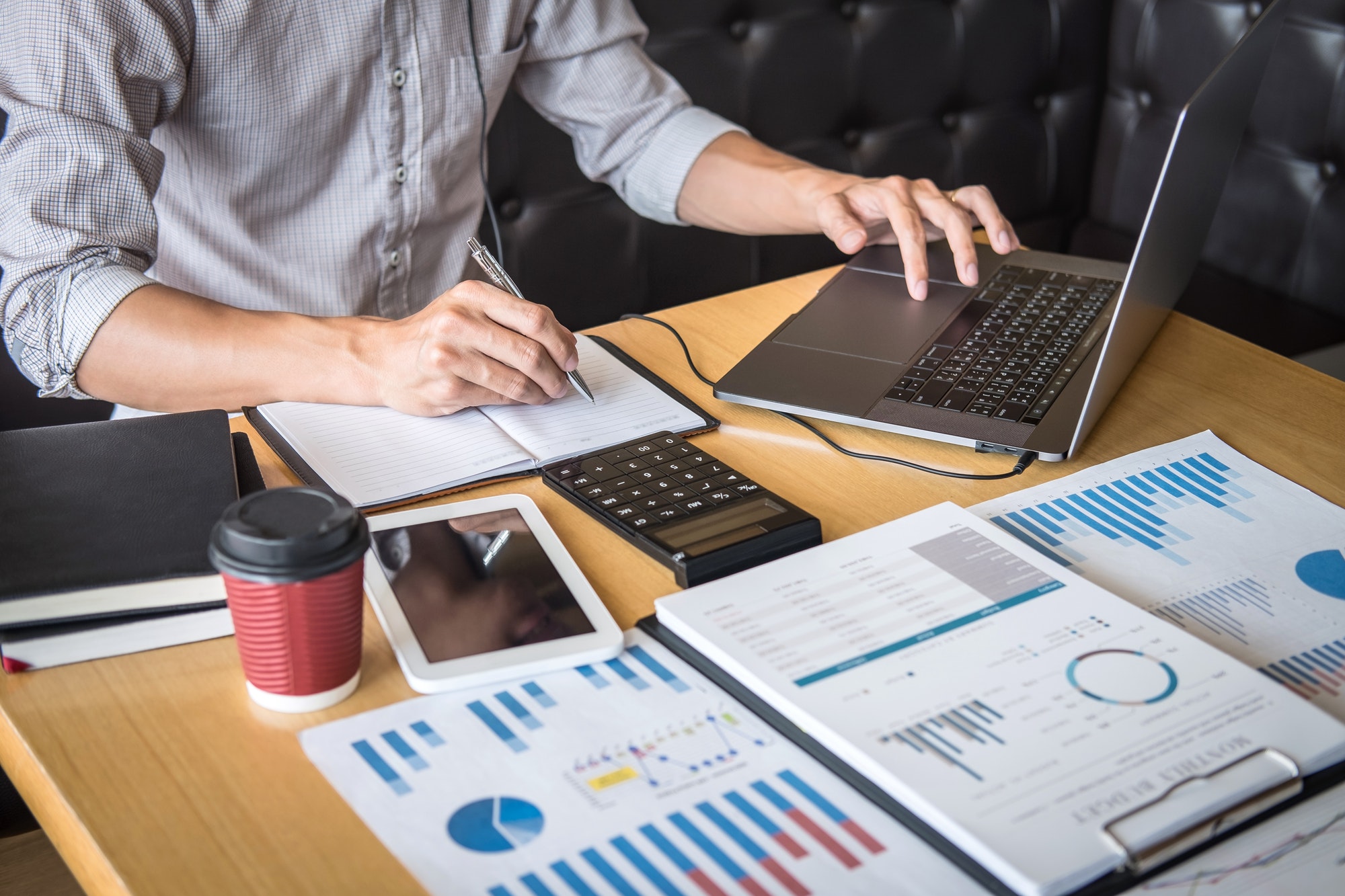
Cloud accounting has changed how businesses manage everyday finances. Instead of keeping records on one computer or relying on manual spreadsheets, cloud accounting software stores financial information online and keeps it available when you need it.
For many UK businesses, the main benefits of cloud accounting are better access, faster reporting, easier collaboration and more accurate financial management.
What Is Cloud Accounting?
Cloud accounting is an online system for managing business finances. It can support bookkeeping, invoicing, expenses, bank reconciliation, VAT and reporting.
How Does Cloud Accounting Work?
Your records are stored securely online. You can sign in from an authorised device, connect your bank account, record transactions and view updated reports.
Cloud Accounting vs Traditional Accounting
Traditional accounting software is often installed locally and may require manual backups and updates. Cloud accounting is normally accessed online, updates automatically and makes it easier for authorised users to work with the same information.
What Are the Main Benefits of Cloud Accounting?
1. Access Your Financial Data Anywhere
You can check your accounts from the office, home or while travelling, giving you more flexibility.
2. See Your Finances in Real Time
Bank feeds and updated records give you a clearer view of income, expenses and available cash without waiting for month end reports.
3. Save Time Through Accounting Automation
Cloud accounting software can automate bank reconciliation, recurring invoices, payment reminders and transaction matching. Less manual work means more time for your business.
4. Improve Collaboration With Your Accountant
You and your accountant can work from the same records, reducing the need to email spreadsheets or manage several file versions.
5. Keep Financial Data Secure
Modern cloud accounting platforms commonly use encryption, secure logins and multi factor authentication. Cloud backups can also reduce the risk of losing records.
6. Reduce Accounting Software and IT Costs
Many platforms use monthly subscriptions, which can reduce the need for local servers, manual installation and ongoing maintenance.
7. Scale Your Accounting System as Your Business Grows
You can often add users, integrations and features as your business develops, making cloud accounting suitable for growing companies.
8. Keep Software and Tax Rules Up to Date
Cloud software is updated by the provider. Compatible software can also support relevant HMRC and Making Tax Digital requirements.
9. Improve Cash Flow Management
Up to date information can help you see unpaid invoices, upcoming bills and spending patterns, making cash flow planning easier.
10. Make Better Business Decisions
Reports on profit, costs, sales and cash flow give you useful information when planning budgets, hiring staff or investing.
How Cloud Accounting Supports Making Tax Digital
Making Tax Digital has made digital record keeping more important for UK businesses and individuals who fall within the relevant rules.
VAT and Making Tax Digital
VAT registered businesses can use compatible software to keep digital VAT records and submit VAT returns to HMRC.
Digital Record Keeping
Cloud accounting can keep income, expenses and transaction records organised in one place.
HMRC Compatible Accounting Software
Before choosing software, check that it supports the HMRC services your business needs. Your accountant can help you choose a suitable system.
Who Can Benefit From Cloud Accounting?
Cloud accounting can support sole traders, limited companies, small businesses, contractors, freelancers and ecommerce businesses. The right setup depends on transaction volume, reporting needs and tax obligations.
Cloud Accounting for Sole Traders
Sole traders can use cloud accounting to record income, track expenses and keep financial records organised.
Cloud Accounting for Limited Companies
Limited companies can use cloud software to manage transactions, reports and accounting information more efficiently.
Cloud Accounting for Small Businesses
Small businesses can benefit from simple access, automation and better visibility over cash flow.
Cloud Accounting for Contractors and Freelancers
Contractors and freelancers can manage invoices, expenses and payments without relying on complicated systems.
Cloud Accounting for Ecommerce Businesses
Ecommerce businesses can connect accounting software with payment platforms, banks and other business tools.
Which Cloud Accounting Software Should You Choose?
Popular options include Xero, QuickBooks Online, Sage Accounting and FreeAgent. Each offers different tools, integrations and pricing, so the right choice depends on your business requirements.
Xero
Xero is widely used for invoicing, bank reconciliation, reporting and integrations.
QuickBooks Online
QuickBooks Online provides accounting, invoicing and reporting tools for businesses of different sizes.
Sage Accounting
Sage Accounting offers cloud based financial management tools for small and growing businesses.
FreeAgent
FreeAgent is commonly used by freelancers, contractors and smaller businesses that want straightforward accounting tools.
Is Cloud Accounting Secure?
Data Encryption and Multi Factor Authentication
Encryption and multi factor authentication help protect sensitive financial information from unauthorised access.
Automatic Cloud Backups
Cloud backups can reduce the risk of losing records if a computer is damaged, lost or replaced.
User Access and Permissions
Many systems let businesses control what employees, bookkeepers and accountants can view or change.
Are There Any Disadvantages of Cloud Accounting?
Internet Dependency
Most cloud systems need an internet connection, so poor connectivity can make access more difficult.
Monthly Subscription Costs
Costs can increase when additional users or advanced features are required.
Moving From Existing Accounting Systems
Migrating historic records takes planning. Incorrect data or duplicate entries can create problems if the move is not managed carefully.
How Much Does Cloud Accounting Cost?
Costs vary by provider, features and number of users. Consider bookkeeping tools, payroll, VAT support, integrations and accountant access.
How to Move Your Business to Cloud Accounting
Review your existing system, choose suitable software, migrate your records, connect your bank and business tools, then give your accountant the correct access.
Review Your Current Accounting System
Check what is working well and identify any manual processes you want to improve.
Choose Suitable Cloud Accounting Software
Select a platform that matches your business size, reporting needs and tax requirements.
Migrate Your Financial Records
Move accurate and up to date financial data into the new system.
Connect Your Bank and Business Tools
Connecting your bank and other platforms can reduce manual data entry.
Give Your Accountant Access
Accountant access makes collaboration easier and helps keep your records accurate.
How Cloud Accounting Can Save Your Business Time
Automation can reduce repetitive administration. Faster reconciliation, easier invoicing and shared access can keep records organised and save valuable time.
Cloud Accounting Checklist for UK Businesses
Check that the software supports your accounting needs, HMRC requirements, bank connections, user permissions, reporting and future growth. Also review security features and accountant access.
Frequently Asked Questions
Is cloud accounting suitable for small businesses?
Yes. It can help small businesses organise records, monitor cash flow and reduce manual administration.
Is cloud accounting safe?
It can be secure when you choose a trusted provider and use strong passwords, multi factor authentication and appropriate permissions.
Does HMRC accept cloud accounting software?
Yes, provided the software is compatible with the relevant HMRC service and meets the required Making Tax Digital rules.
What is the difference between cloud accounting and traditional accounting?
Cloud accounting is accessed online and stores data in the cloud, while traditional software is often installed on a specific computer or local system.
Can my accountant access my cloud accounting software?
Yes. Most major platforms allow you to give your accountant controlled access to your financial records.
Alba Financial Accountants can help you choose and manage a cloud accounting system that suits your business, giving you clearer records, better financial visibility and more time to focus on running your company.